






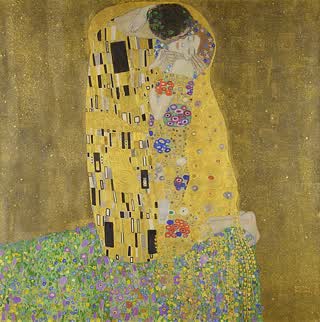


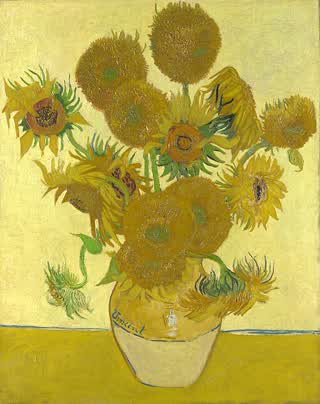
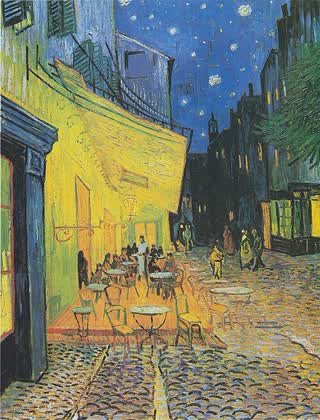



Free art for your Frame TV, CanvasTV, NXTFRAME, Frame Pro or Ember Artline
The art is free. The app is a one-time $7.99 on iPhone and Android, with no subscription. Discover art cropped perfectly for your Samsung Frame TV & Hisense CanvasTV, and send it straight to your Frame.
 4.6 from 1,151 ratingsAlso on Mac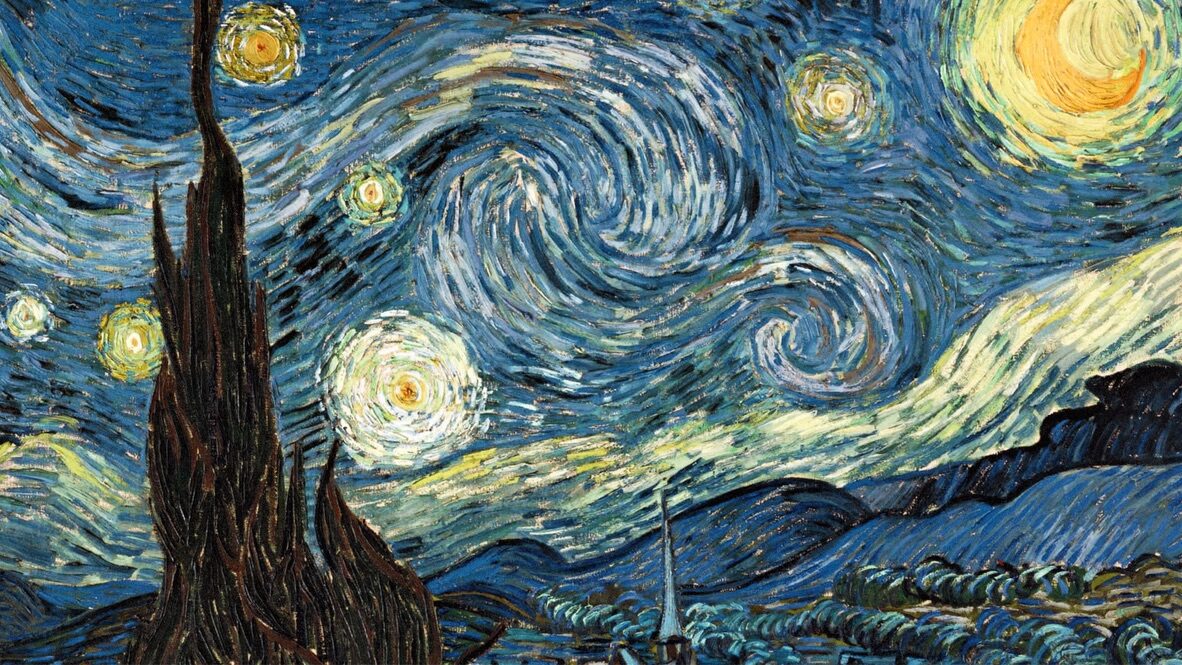
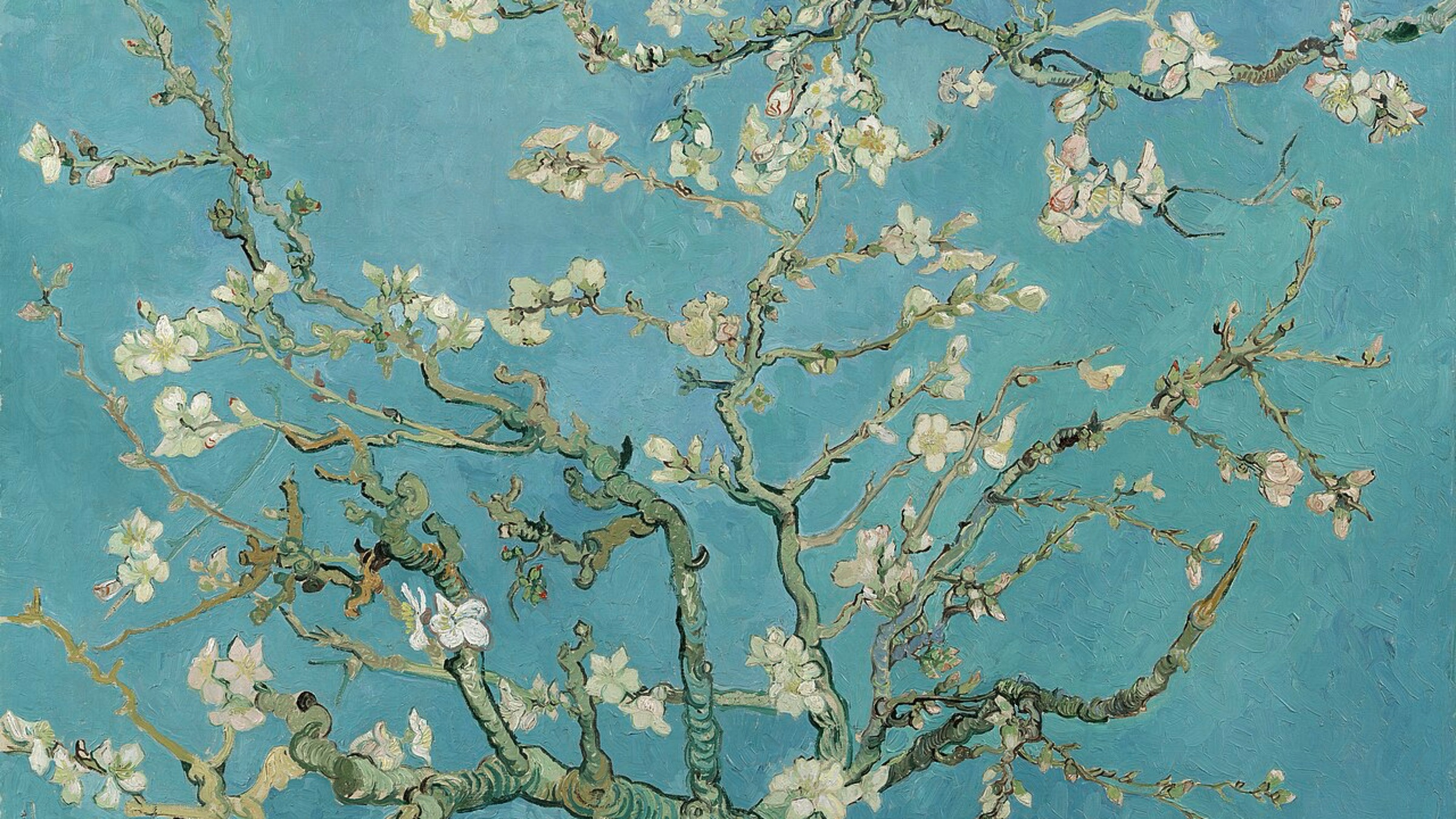
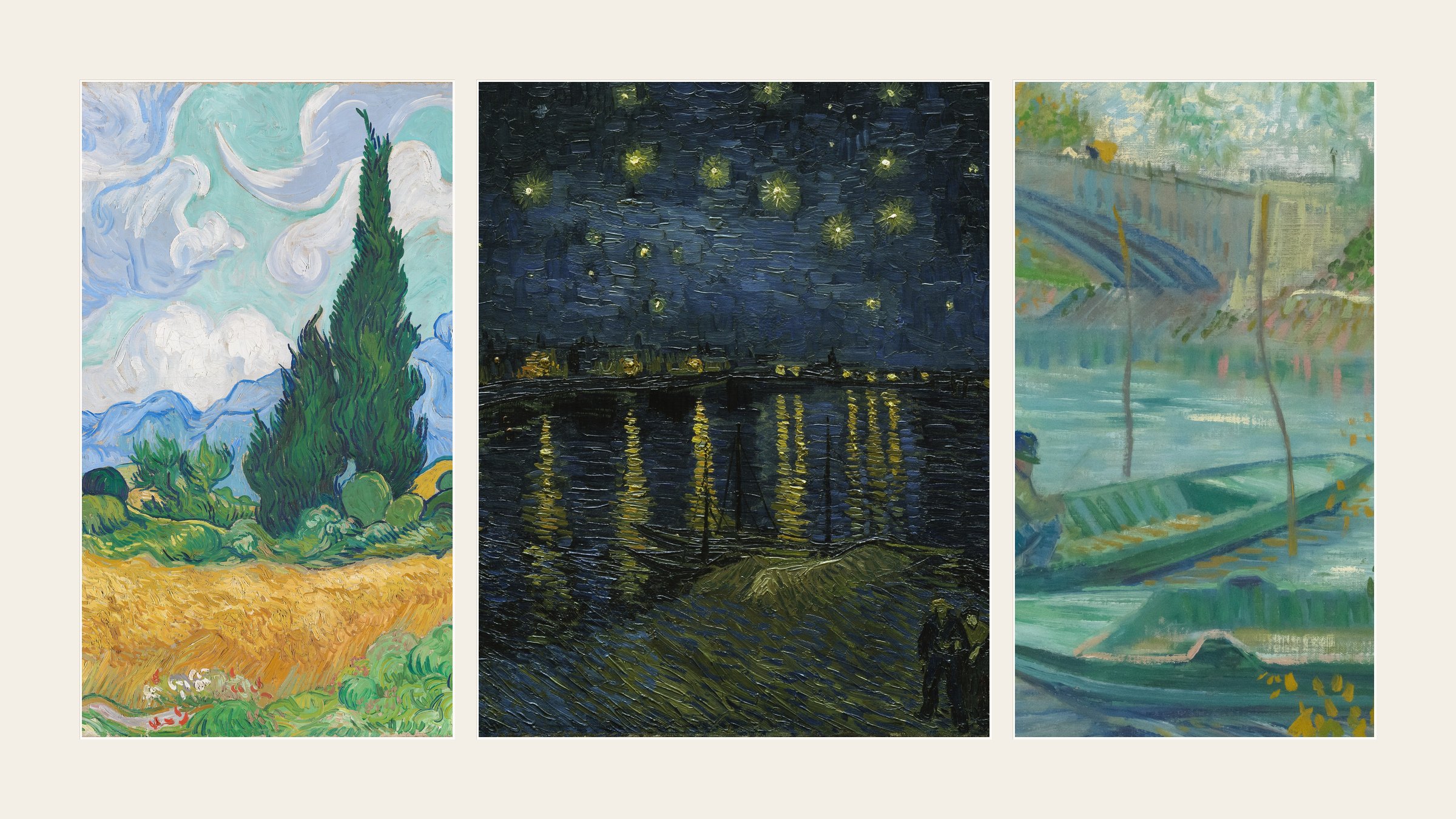

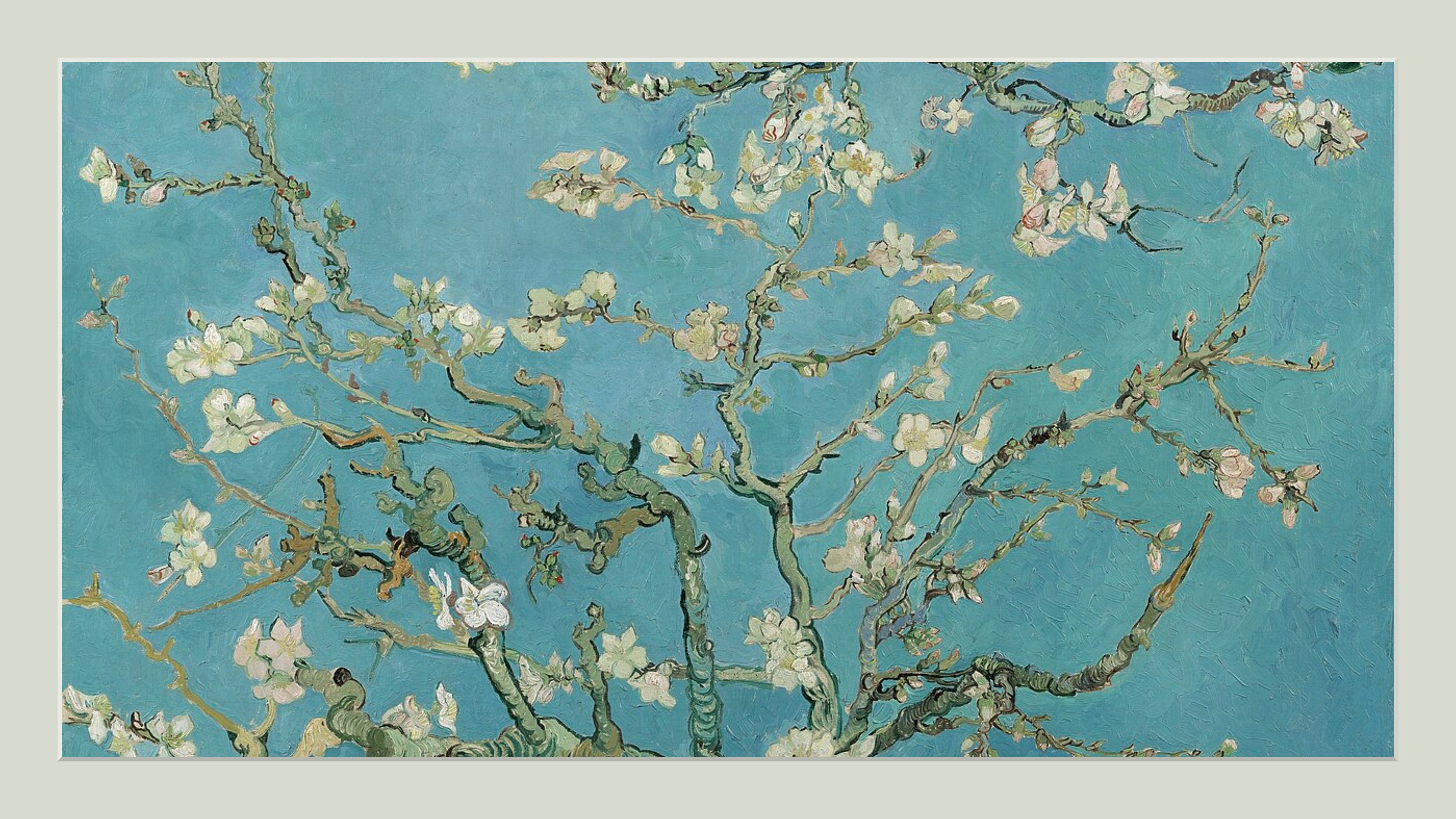

Everything you need for Samsung Frame TV art
Direct to your Frame TV
Send art from your phone to your Samsung Frame TV over Wi-Fi.
Museum collections
Smithsonian and Wikimedia, millions of public-domain works.
Unsplash photography
The full Unsplash library, searchable in the app.
Pixel-perfect crops
Cropped to your TV's exact dimensions, no mat needed.
Custom mats
Pick a mat style and color that suits each piece.
Portrait & landscape
Art sized for either orientation of your TV.
Collages & polyptychs
Combine several images into one collage or a multi-panel piece.
One-time purchase
No subscription. Cancel the art store for good.
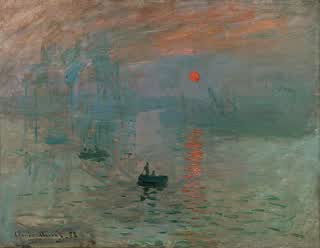
From Monet to your camera roll
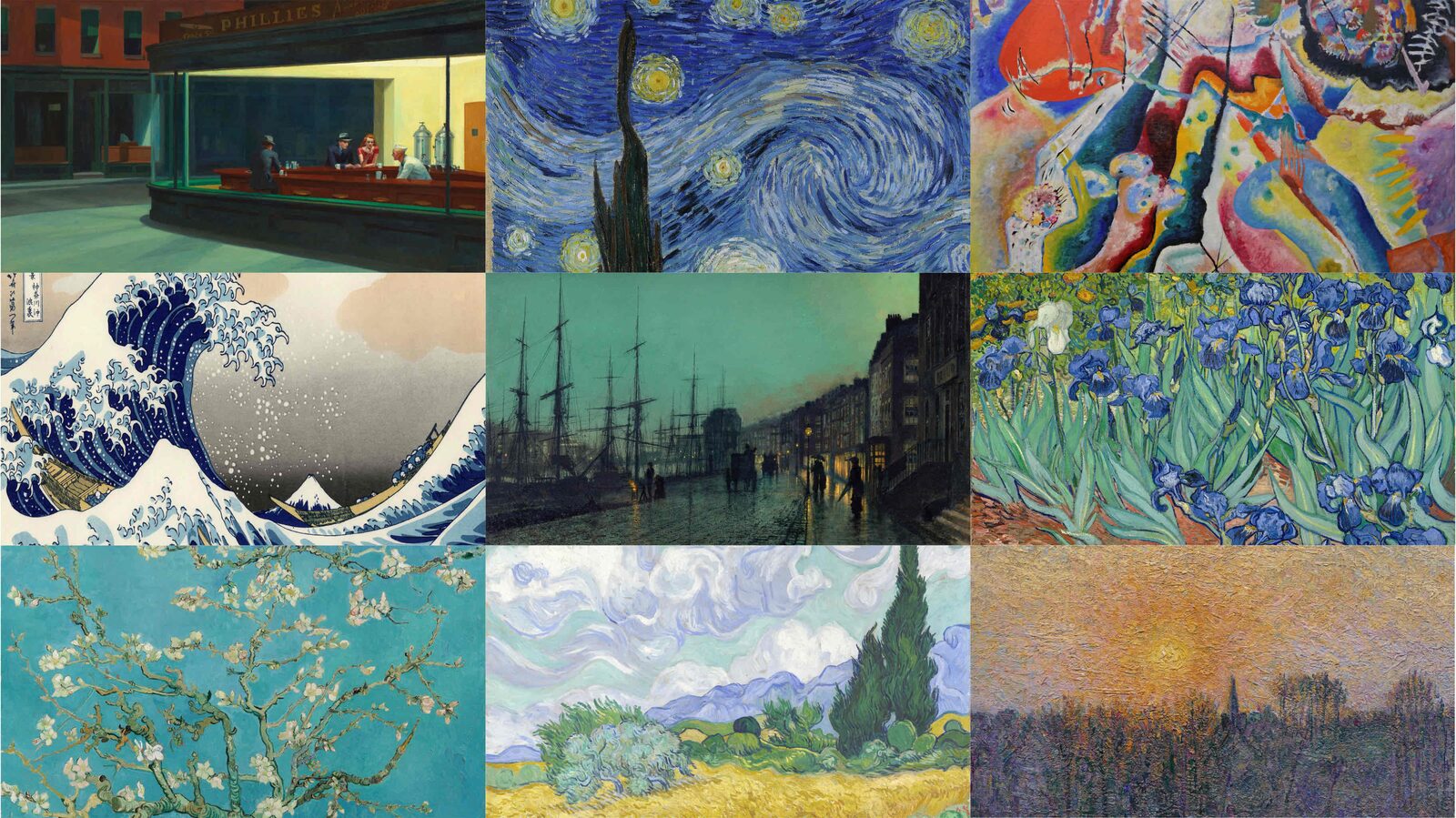
Built for the Samsung Frame TV, by people who actually use it.
Crop perfectly. Pull from museums, photographers, and your own library. Land in either orientation, without paying Samsung every month.
Say goodbye to the mat 👋🏻
Crop your photos to the Samsung Frame TV’s exact dimensions for a flawless borderless display. See the guide.

Smithsonian & Wikimedia
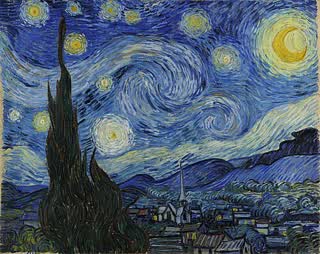
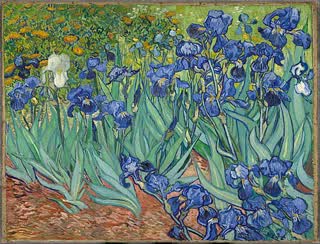
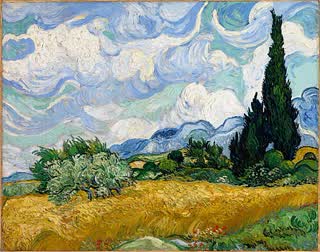
Van Gogh, Monet, Michelangelo, Holmes: millions of public-domain works. Browse free art.
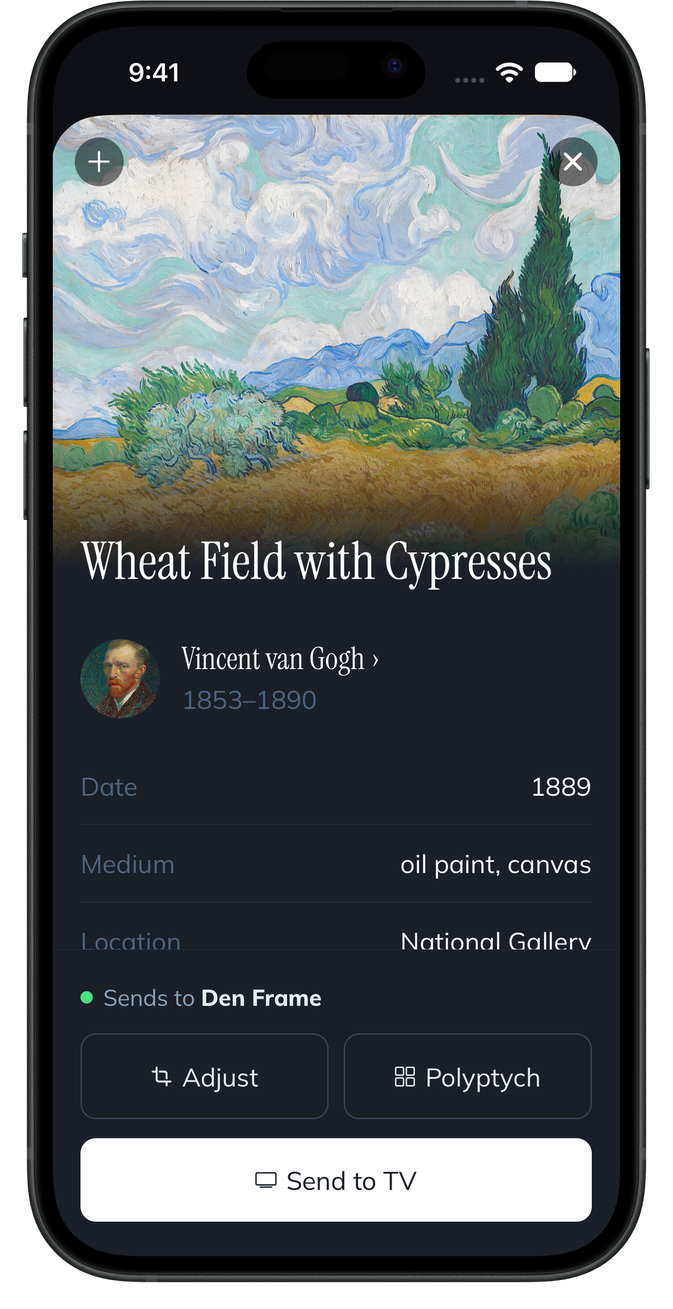
Unsplash, royalty-free 💦
The full Unsplash library: thousands of photographers, the go-to standard for high-res visuals, all searchable inside Frame Crop.

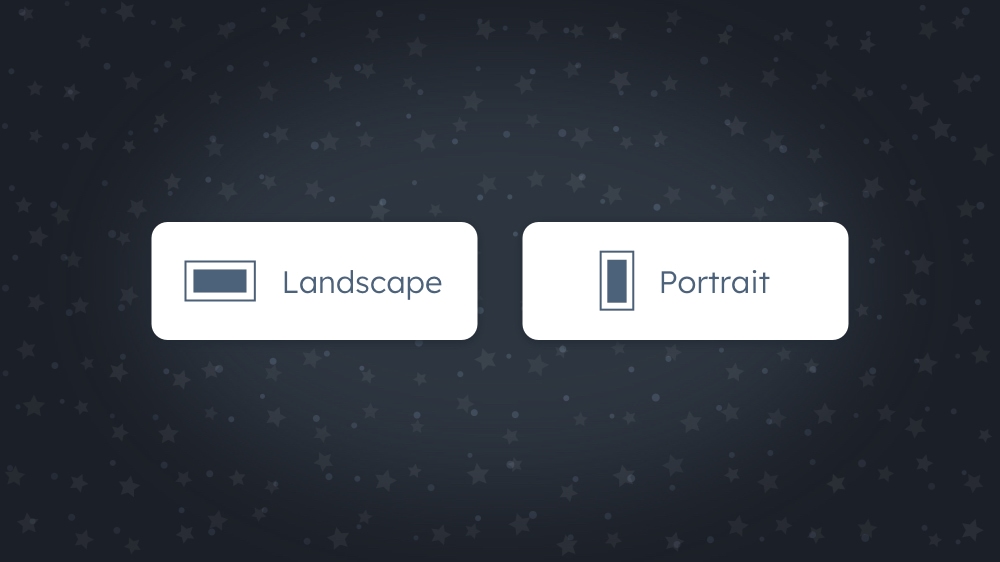
Landscape or portrait ✅
Crop for either orientation: your photos, Smithsonian art, or Unsplash images, sized to fit. Read about portrait art.
Bulk upload, straight from your phone
Multi-select dozens of photos in the iOS or Android app and push them to your Frame TV in one go. No cables, no Samsung Cloud detour.
Or sync entire collections on Mac
Group art into collections by artist, mood, or season, then push the whole library to your Frame in one click. Desktop only. See Mac features →
“I’d pay $25 a year for this”
4.6 from 1,151 ratingsVery useful and does exactly what it promises. No need for an expensive art subscription from Samsung. This app helps you to use your own art or the vast available public domain art.
Dont tell him: I'd pay $25 a year for this and stop paying Samsung!
Great app. Works as intended. Find pictures -> download -> upload. Support this developer instead of giving Samsung the 50$/year.
Awesome app. It was just what I was hoping for. Clean UI, no unnecessary data collection, smartthings integration, museum and wikicommons search.... well done!
I hate that so many companies are moving to subscription models. This app is such a lifesaver! :)
Just bought a new 75' Frame tv and uploaded free art from this app. It is so easy, and so much to choose from. Thank You
Questions? Answers.
Yes! Frame Crop can now directly upload images to Frame TVs.
Unfortunately Hisense CanvasTV do not give API access to upload images to their TVs. This means all we can do (at the moment) is crop to the right dimensions and prepare the images for uploading the way the manufacturer requires.
Frame Crop integrates with Unsplash, Smithsonian Open Access, & Wikimedia Commons api’s to provide access to millions of high-resolution copyright-free images & art.
Yes, you should have done that already! Frame Crop gives you so many great options and it’ a one-time fee.
We do not have a free trial, but you can request a refund if you are not happy with the app. We do however run frequent giveaways on Reddit, so keep an eye out.