

Frame Crop for Mac. Discover millions of artworks, crop with precision, schedule what your TV shows, and manage every Frame in your home — from one desktop app.
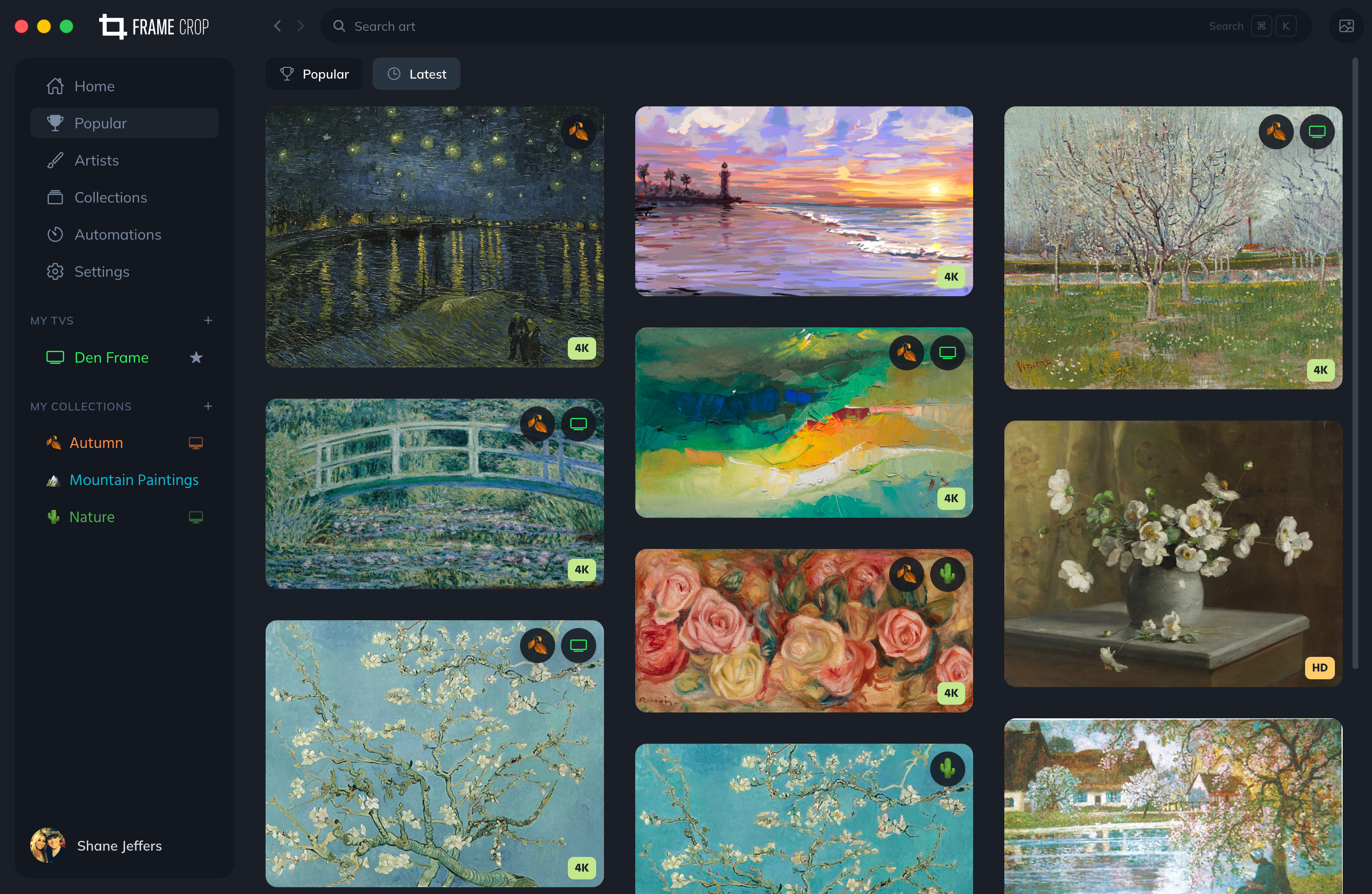
A dedicated Mac experience that replaces Samsung's art store. One-time purchase. Your library, your taste, your schedule.
Auto-discovery over SSDP. Pair once, reconnect forever. Manage multiple TVs from a single window — designate a primary, name them, sync them.
3840×2160 portrait or landscape. Auto-suggest, drag, zoom.
Museums, photographers, masters of the craft.
Native Samsung mat & frame controls. Apply to one piece or your entire library at once.
Ink, watercolor, oil, sepia and more — applied on the TV.
Cron-based or one-time. Sunrise gallery, weekend slideshow, brightness curves that follow the room.
Brightness, color temperature, slideshow timing, motion sensitivity — controlled from your desk, not the remote.
Bulk upload, multi-select, real-time progress, automatic deduplication. No round-trip through the cloud.
Discovery and uploads happen on your network. Sign in only if you want cross-device sync.
Pull together a Van Gogh wing, a Monet weekend, an autumn rotation, a coastal summer. Build collections from museums, your own photos, or any folder on your Mac — then send the whole set to your TV in one click.
Sign in once and your collections follow you to every Mac and the iOS app.
Pick a folder on your Mac and the images become a local collection — one-time import.
Push the whole collection to a Frame with every mat and filter applied.
Mark a collection public and send the link. Friends pull it straight to their own TV.
One-time purchase on the Mac App Store. Direct download free for existing iOS and Android customers.